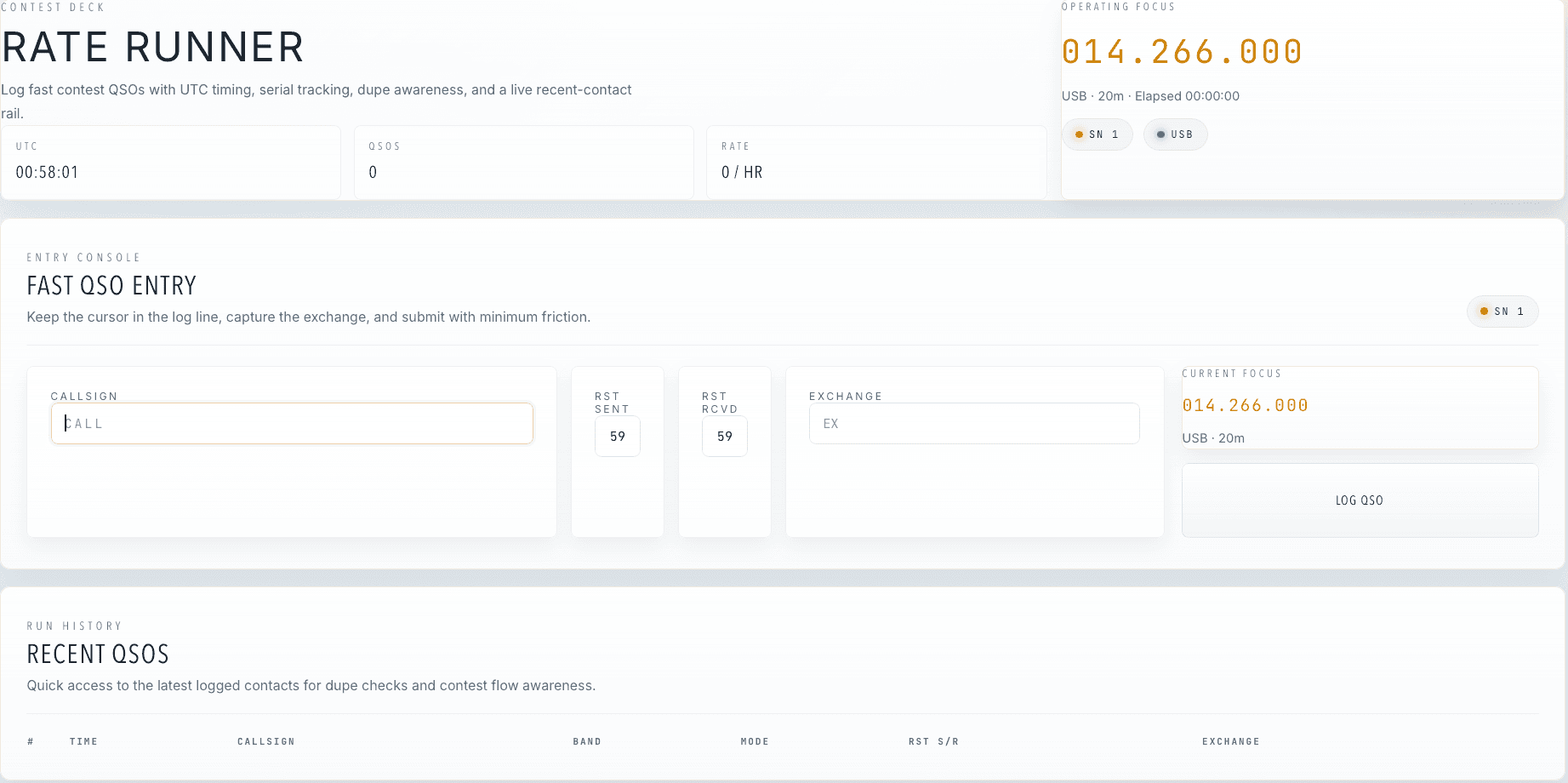
Rate runner
Fast contest entry with the current frequency in view.

QSOPilot brings rig control, logging, recording, and station tools together in one desktop operating surface.
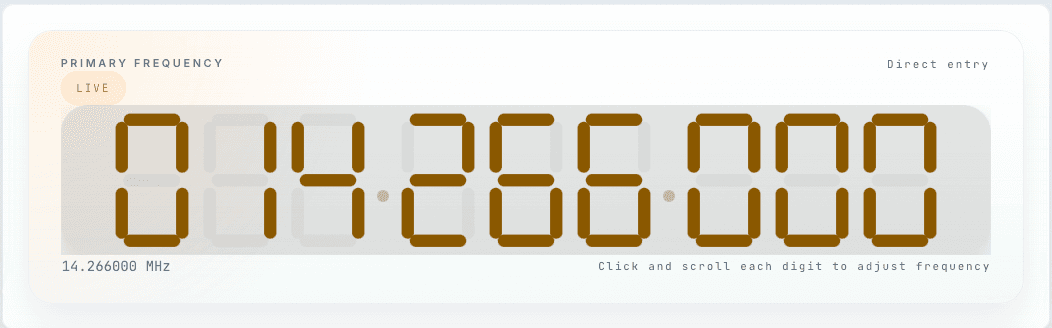
Start at the control surface, then move through logging, recording, and supporting tools without hopping between separate apps.
Fast contest entry with the current frequency in view.
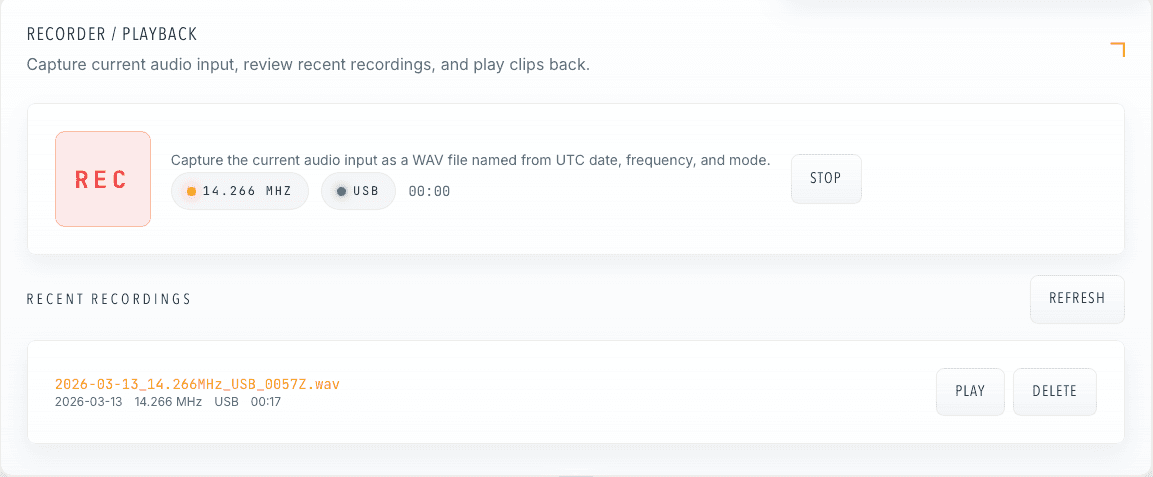
Capture the session and play back clips without leaving the app.
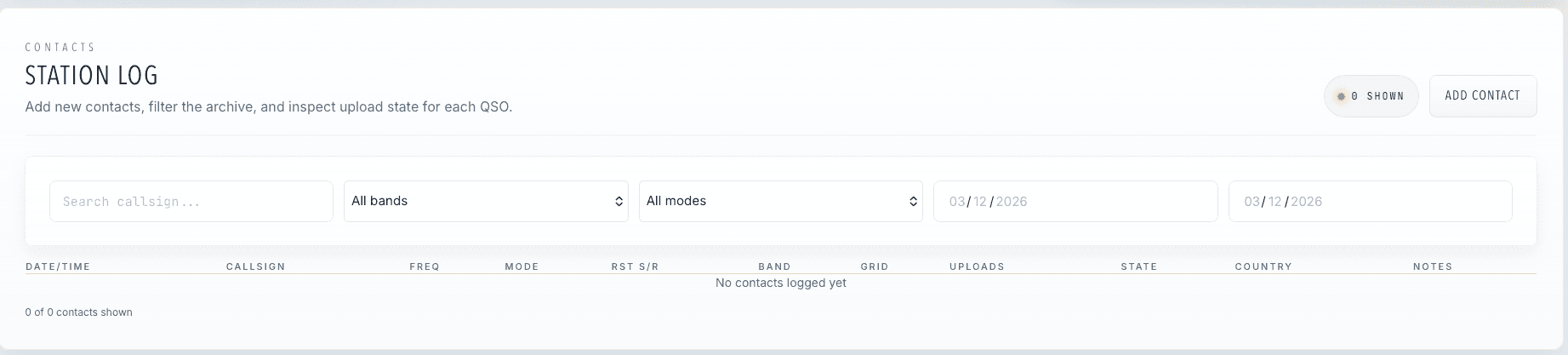
Search, filter, and review uploaded contacts in one table.
QSOPilot keeps the core station workflow together so you can stay on the contact instead of managing a stack of separate tools.
Keep frequency, mode, and radio state where you can see and change them quickly.
Capture contacts, review recent history, and keep the session moving.
Recording, uploads, and station utilities stay close instead of living in separate tools.
Focused desktop features for running the station and keeping the session organized.
See frequency, mode, and radio state on one desktop control surface.
Capture contacts quickly and keep recent QSOs close by.
Track upload state without turning the end of a session into cleanup work.
Keep award progress visible while you operate.
Record audio, review clips, and keep files tied to the current session.
Manage radios, audio paths, and related tools from the same app.
Check the latest desktop availability, then sign in to manage your account and device seats.
Start here for the basics, then head to the full FAQ for the longer version.
QSOPilot is a desktop app for rig control, logging, recording, and related shack workflow.
No. The website handles product information, downloads, and account access. QSOPilot itself is the desktop app.
The download page is where current release links appear as builds are published.